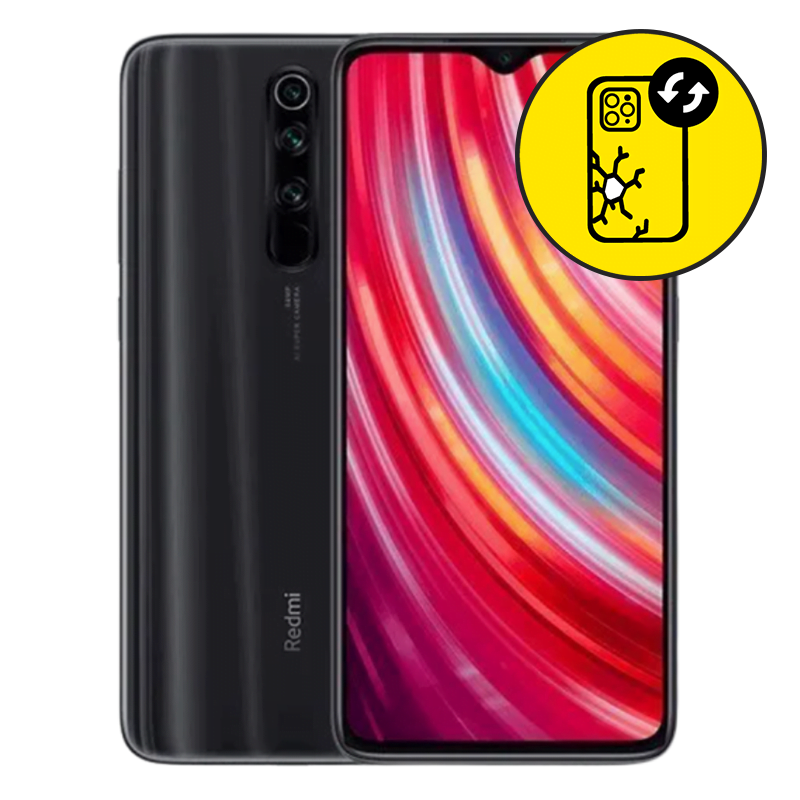
Xiaomi Redmi Note 8 Pro Back Glass Replacement Singapore by Mister Mobile.
Choose Mister Mobile for Crack Xiaomi Redmi Note 8 Pro back glass replacement. Because I do it better, because I do it safer, because I do it with a smile!
This product page is for Samsung Back Glass Replacement. Samsung back glass replacement is a simple process which completes within 90 minutes.
Upon handing over your phone, I will perform a full test on your phone to ensure it is working well. Once confirmed, my technician will then proceed with the repair.
Xiaomi Redmi Note 8 Pro Repair Singapore. Xiaomi Redmi Note 8 Pro Back Glass Replacement, Battery Replacement, Motherboard Repair, Samsung repair Singapore, Xiaomi Redmi Note 8 Pro Screen Replacement.
Order this if:
• You prefer having a long-term Xiaomi Redmi Note 8 Pro back glass repair which is cheaper compared to Samsung service centers.
• The Xiaomi Redmi Note 8 Pro back glass has a noticeable crack.
• Touch responsiveness on your Xiaomi Redmi Note 8 Pro is fully functional.
• Xiaomi Redmi Note 8 Pro screen display or LCD does not have any lines or black marks.
• Your Xiaomi Redmi Note 8 Pro powers on and charges normally.
• Your Xiaomi Redmi Note 8 Pro has never been sent for any Samsung screen repair before.
Enquire further if:
• The phone cannot power on.
• You have a question regarding the quality of my Xiaomi Redmi Note 8 Pro back glass replacement.
• The phone doesn’t charge when plugged in with a power supply. There may be no display because your charging port is faulty instead of the screen. Do refer to my Samsung Charging Port product pages for more information.
• You require front glass or screen replacement instead.
• Black marks or lines appearing on the display. Refer to my Samsung LCD Replacement product pages for more information.
• There are signs of water damage on your Xiaomi Redmi Note 8 Pro.
• You are looking for other types of Samsung repair. If so, you can visit my product pages for Samsung repair.



 Address : 810 Geylang Road City Plaza #01-67A Singapore 409286
 Direction : Find me on
 Operating Hours : 11:00am – 9:00pm
 Email :
 WhatsApp :
 Service Area : Trusted phone shop near Geylang, Paya Lebar, Eunos, Kembangan, Bedok, Aljunied, Kallang, Lavender, Bugis, MacPherson, Tai Seng, Mattar, Geylang Bahru, Ubi, Kaki Bukit, Dakota, Mountbatten and more.
 Bus : Services 2, 7, 13, 21, 24, 26, 28, 30, 40, 43, 51, 67, 67A, 134, 135, 135A, 154, 155, 197, 853C
 MRT : Alight at Paya Lebar MRT Station and walk towards my phone shop in the Geylang direction.
 Car : Parking available at City Plaza carpark


