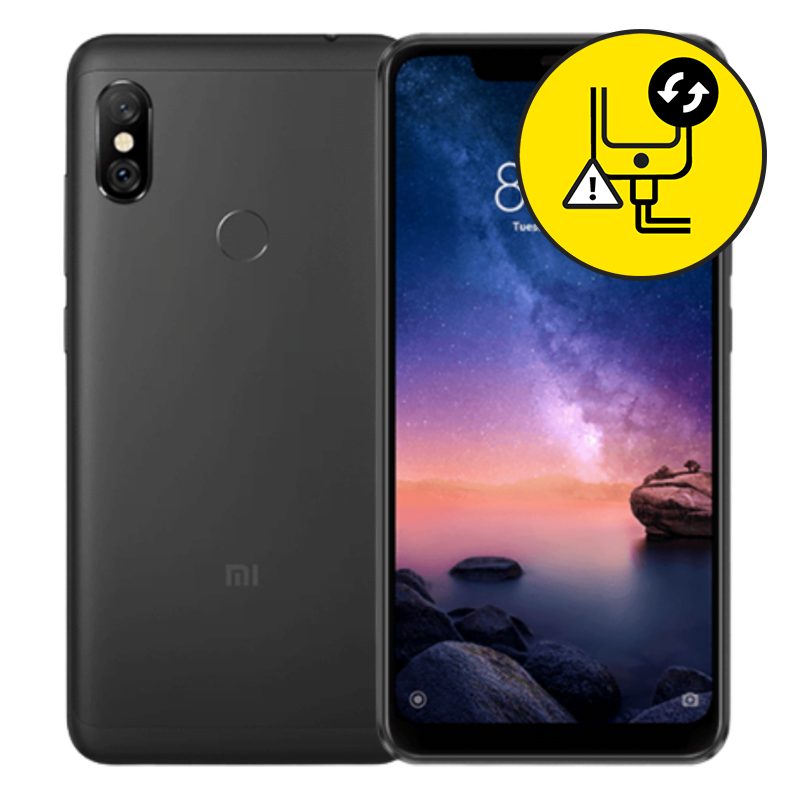
Xiaomi Redmi Note 6 Charging Port Replacement Singapore by Mister Mobile.
Choose Mister Mobile for Xiaomi Redmi Note 6 Charging Port Replacement. Because I do it better, because I do it safer, because I do it with a smile!
My listed prices are nett and inclusive of labour fee. My charging ports are A grade as good as the original.
Upon handing over your phone, my technician will run a few tests and inform you of the misbehaving parts. Once confirmed, my technician will then proceed with the repair.
Xiaomi Redmi Note 6 Repair Singapore. Xiaomi Redmi Note 6 Charging Port Replacement, Screen Replacement, Motherboard Repair, Samsung repair Singapore, charging port replacement, Samsung cannot charge.
Order this if:
• There is no charging icon when you plug in the charging cable.
• You wish to keep your phone data intact. 99% of the time, repairing with me will NOT result in data loss. Authorized service centers will force reset your phone data.
• Your Xiaomi Redmi Note 6 only starts charging up when the cable is plugged in at a certain angle. The cable is original and tested on other Samsung models and is working fine.
• You have tested charging your phone with a working original cable, and it still isn’t charging.
• The Xiaomi Redmi Note 6 is still working and is able to power on prior to its last charge.
• You prefer a high-quality Xiaomi Redmi Note 6 repair at a lower price compared to authorized service centers.
Enquire further if:
• You are unsure whether the phone was working properly prior to its last charge.
• There are signs of water damage on your phone.
• Your Samsung displays the charging icon but its battery percentage does not increase. There may be no display because your battery is faulty instead of the battery. Do refer to my Samsung Battery Replacement product pages for more information.
• The phone heats up occasionally in an idle state.
• The Xiaomi Redmi Note 6 cannot power on even with a working original cable plugged in.
• Wrong Samsung repair? Read up and find all of my Samsung prices and descriptions here



 Address : 810 Geylang Road City Plaza #01-67A Singapore 409286
 Direction : Find me on
 Operating Hours : 11:00am – 9:00pm
 Email :
 WhatsApp :
 Service Area : Trusted phone shop near Geylang, Paya Lebar, Eunos, Kembangan, Bedok, Aljunied, Kallang, Lavender, Bugis, MacPherson, Tai Seng, Mattar, Geylang Bahru, Ubi, Kaki Bukit, Dakota, Mountbatten and more.
 Bus : Services 2, 7, 13, 21, 24, 26, 28, 30, 40, 43, 51, 67, 67A, 134, 135, 135A, 154, 155, 197, 853C
 MRT : Alight at Paya Lebar MRT Station and walk towards my phone shop in the Geylang direction.
 Car : Parking available at City Plaza carpark


