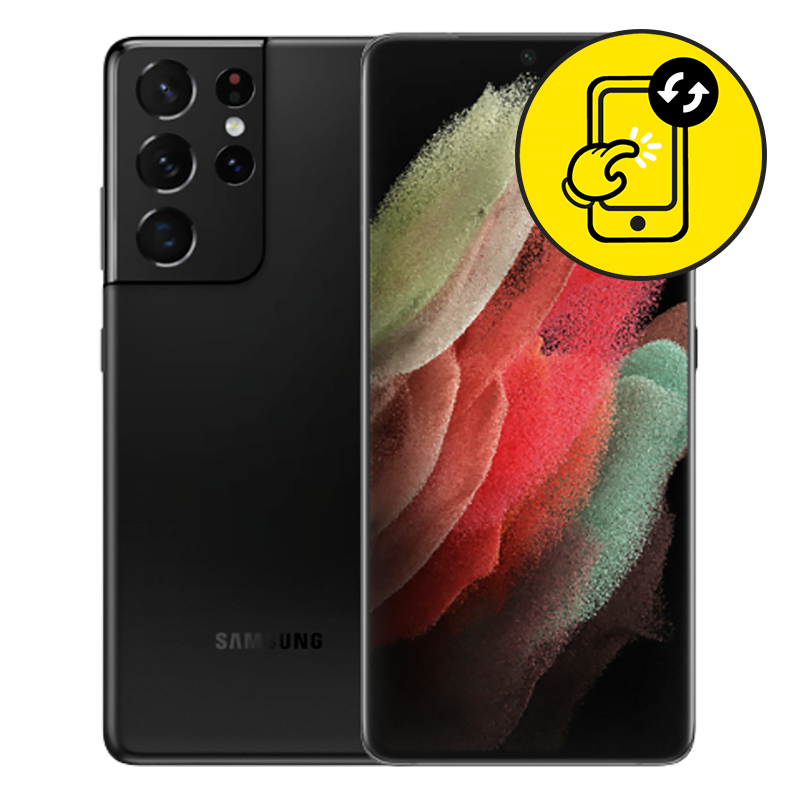
Samsung S21 Ultra LCD B Grade Replacement Singapore by Mister Mobile.
Choose Mister Mobile for Samsung S21 Ultra LCD B Grade Crack Replacement and Repair. Because I do it better, because I do it safer, because I do it with a smile!
My listed prices are nett and inclusive of screen repair fee.
Product information:
This product introduces the Grade B LCD, working condition with screen burn-in and/or minor black spots. Please inquire for actual screen condition!
• What is screen burn-in?
Samsung S21 Ultra Repair Singapore. Samsung Screen Replacement, Samsung LCD B Grade Replacement, Samsung cracked screen, Samsung Battery Replacement, Samsung Motherboard Repair, Samsung repair Singapore.
What exactly are my Samsung S21 Ultra B Grade LCDs?
Basically, my B grade LCDs are displays which are working perfectly, with some imperfections such as,
• Display burn-in. Burn-in, or a “shadow”, is a term used to describe displays with permanent reddish or pinkish hues. These hues will not affect usage at all, but are fairly obvious when I view the display under a white background.
• Scratched screens.
• Black spots.
Is it worth it to get the B Grade LCD instead of the better one?
• Samsung LCDs are, frankly speaking, very expensive. If your LCD is damaged, blank screen or unresponsive, I inevitably need to replace the LCD display if I wish to retrieve my data from the old Samsung phone. If you intend to use your phone for an extended period of time after repair, I do advise getting my A Grade LCD displays.
However, if you wish to only use the phone temporarily to retrieve data and/or to wait for your next phone upgrade, choosing my B Grade LCDs can actually offer substantial cost savings.
Feel free to inquire, I am more than willing to show you some photos of my B Grade LCDs!
Order this if:
• You prefer having a cheap Samsung S21 Ultra LCD repair which is cheaper compared A Grade LCD or to Samsung service centers.
• You wish to keep your phone data intact. 99% of the time, repairing with me will NOT result in data loss. Authorized Samsung service centers will force reset your phone data.
• The Samsung S21 Ultra LCD or digitizer has a noticeable crack. If you are unsure, refer to my screen replacement blog post.
• Your Samsung S21 Ultra LCD is unresponsive.
• LCD display has black lines or displays unusual colors.
• Samsung S21 Ultra screen display shows purple ink marks which looks like smudges. In this case, the marks will spread over time.
• Your Samsung S21 Ultra powers on and charges normally.
• Your Samsung S21 Ultra has never been sent for any Samsung LCD repair before.
Enquire further if:
• The Samsung S21 Ultra cannot power on.
• You are looking for other types of Samsung repair. If so, you can visit my product pages for Samsung repair.
• Samsung S21 Ultra doesn’t charge when plugged in with a power supply. There may be no display because your charging port is faulty instead of the LCD. Do refer to my Samsung Charging Port product pages for more information.
• The Samsung S21 Ultra display is working and responsive. Also, there are no black marks or lines appearing on the Samsung S21 Ultra screen display. Refer to my Samsung Screen Replacement product pages for more information.
• There are signs of water damage on your Samsung S21 Ultra. Visit my product pages for Samsung Water Damage Repair Service.


 Address : 810 Geylang Road City Plaza #01-67A Singapore 409286
 Direction : Find me on
 Operating Hours : 11:00am – 9:00pm
 Email :
 WhatsApp :
 Service Area : Trusted phone shop near Geylang, Paya Lebar, Eunos, Kembangan, Bedok, Aljunied, Kallang, Lavender, Bugis, MacPherson, Tai Seng, Mattar, Geylang Bahru, Ubi, Kaki Bukit, Dakota, Mountbatten and more.
 Bus : Services 2, 7, 13, 21, 24, 26, 28, 30, 40, 43, 51, 67, 67A, 134, 135, 135A, 154, 155, 197, 853C
 MRT : Alight at Paya Lebar MRT Station and walk towards my phone shop in the Geylang direction.
 Car : Parking available at City Plaza carpark


