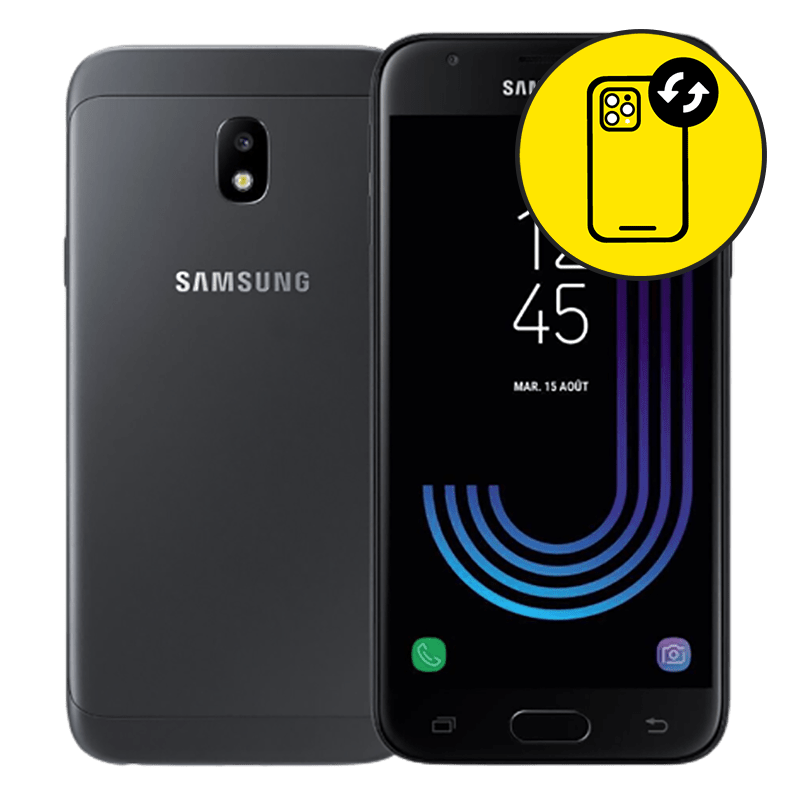
Samsung J3 Pro Camera Lens Replacement Singapore by Mister Mobile.
Samsung J3 Pro Camera Lens Replacement Singapore. Because I do it better, because I do it safer, because I do it with a smile!
My listed prices are nett and inclusive of labour repair fee.
Upon handing over your phone, my technician will run a few tests and inform you of the misbehaving parts. Once confirmed, my technician will then proceed with the repair.
I do not provide data backup services prior to the repair. Therefore, you should backup your data before proceeding for repair just to be safe. However, 99% of the time, there will be no data loss.
My Samsung J3 Pro camera lens is Grade A which is as good as the original. Furthermore, my technicians are highly skillful to carry out the repair professionally, and my sales representatives are polite and keen to provide you with a pleasant retail experience.
Samsung J3 Pro Repair Singapore. Samsung Battery Replacement, Screen Replacement, Motherboard Repair, camera lens replacement, Samsung repair Singapore, charging port replacement.
Buy this if:
• You dropped your Samsung J3 Pro and the camera lens is cracked, which is affecting the quality of your photos.
• There are scratches on the surface of the camera lens. This results in unusual spots on the images after you have taken a photo.
• Additionally, you prefer clearer photos which are sharper.
• You have checked that the camera is working perfectly.
Enquire further if:
• There are signs of water damage to your Samsung J3 Pro.
• Your Samsung J3 Pro is still under warranty by Samsung. You can check your warranty coverage here.
• There are black spots appearing on the images taken and you can check out my products for the camera here.
• Your phone camera is showing a blurry image even though the lens is clean.
• Samsung J3 Pro camera is unable to focus.
• Wrong Samsung repair? Read up and find all of my Samsung prices and descriptions here


 Address : 810 Geylang Road City Plaza #01-67A Singapore 409286
 Direction : Find me on
 Operating Hours : 11:00am – 9:00pm
 Email :
 WhatsApp :
 Service Area : Trusted phone shop near Geylang, Paya Lebar, Eunos, Kembangan, Bedok, Aljunied, Kallang, Lavender, Bugis, MacPherson, Tai Seng, Mattar, Geylang Bahru, Ubi, Kaki Bukit, Dakota, Mountbatten and more.
 Bus : Services 2, 7, 13, 21, 24, 26, 28, 30, 40, 43, 51, 67, 67A, 134, 135, 135A, 154, 155, 197, 853C
 MRT : Alight at Paya Lebar MRT Station and walk towards my phone shop in the Geylang direction.
 Car : Parking available at City Plaza carpark


