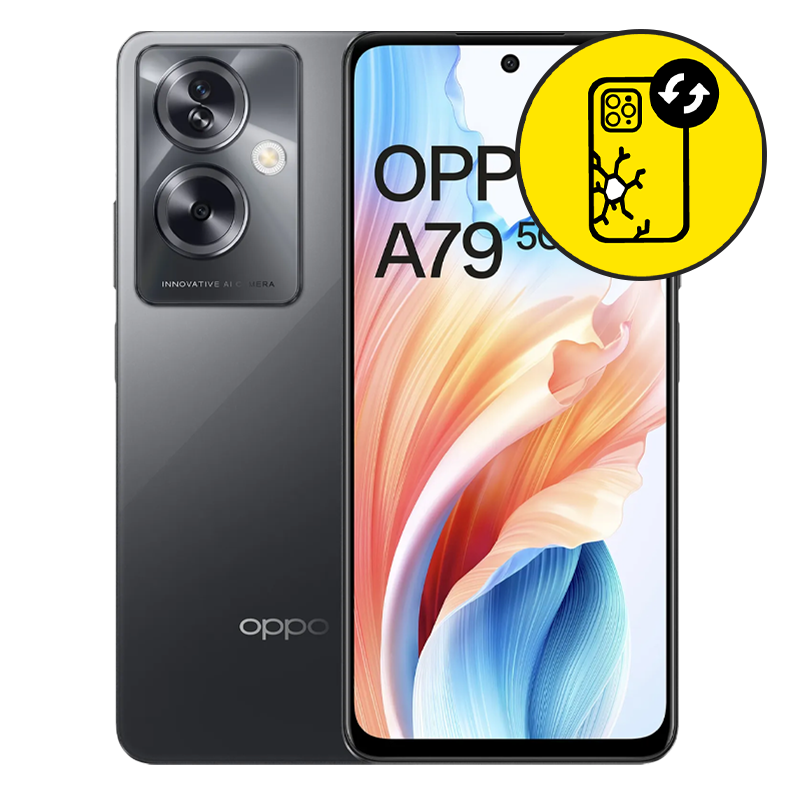
Oppo A79 Back Glass Replacement Singapore by Mister Mobile.
Choose Mister Mobile for Crack Oppo A79 back glass replacement. Because I do it better, because I do it safer, because I do it with a smile!
This product page is for Samsung Back Glass Replacement. Samsung back glass replacement is a simple process which completes within 90 minutes.
Upon handing over your phone, I will perform a full test on your phone to ensure it is working well. Once confirmed, my technician will then proceed with the repair.
Oppo A79 Repair Singapore. Oppo A79 Back Glass Replacement, Battery Replacement, Motherboard Repair, Samsung repair Singapore, Oppo A79 Screen Replacement.
Order this if:
• You prefer having a long-term Oppo A79 back glass repair which is cheaper compared to Samsung service centers.
• The Oppo A79 back glass has a noticeable crack.
• Touch responsiveness on your Oppo A79 is fully functional.
• Oppo A79 screen display or LCD does not have any lines or black marks.
• Your Oppo A79 powers on and charges normally.
• Your Oppo A79 has never been sent for any Samsung screen repair before.
Enquire further if:
• The phone cannot power on.
• You have a question regarding the quality of my Oppo A79 back glass replacement.
• The phone doesn’t charge when plugged in with a power supply. There may be no display because your charging port is faulty instead of the screen. Do refer to my Samsung Charging Port product pages for more information.
• You require front glass or screen replacement instead.
• Black marks or lines appearing on the display. Refer to my Samsung LCD Replacement product pages for more information.
• There are signs of water damage on your Oppo A79.
• You are looking for other types of Samsung repair. If so, you can visit my product pages for Samsung repair.


 Address : 810 Geylang Road City Plaza #01-67A Singapore 409286
 Direction : Find me on
 Operating Hours : 11:00am – 9:00pm
 Email :
 WhatsApp :
 Service Area : Trusted phone shop near Geylang, Paya Lebar, Eunos, Kembangan, Bedok, Aljunied, Kallang, Lavender, Bugis, MacPherson, Tai Seng, Mattar, Geylang Bahru, Ubi, Kaki Bukit, Dakota, Mountbatten and more.
 Bus : Services 2, 7, 13, 21, 24, 26, 28, 30, 40, 43, 51, 67, 67A, 134, 135, 135A, 154, 155, 197, 853C
 MRT : Alight at Paya Lebar MRT Station and walk towards my phone shop in the Geylang direction.
 Car : Parking available at City Plaza carpark


