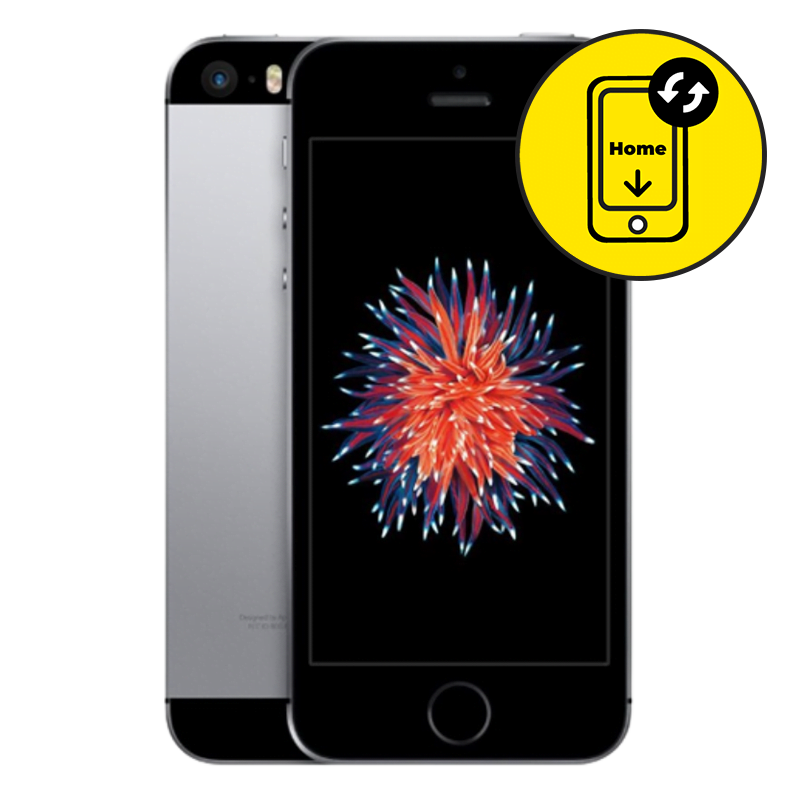
iPhone SE Home Button Replacement Singapore by Mister Mobile.
Choose Mister Mobile for iPhone SE Home Button or Touch ID and Fingerprint Replacement. Because I do it better, because I do it safer, because I do it with a smile!
My listed prices are nett and inclusive of labour repair fee.
There are a few components which may affect the iPhone SE Touch ID and/or home button. As far as possible, I will repair your existing home button which will preserve the Touch ID fingerprint function. Based on my experience, the success rate of repairing your iPhone SE Touch ID repair is about 70%.
If repairing your existing Samsung home button fails, I can replace a new home button for the same price. However, after replacing the home button, Touch ID will not work anymore • only the “Home” function can work.
There will be no charges if I cannot fix your phone.
Upon handing over your phone, my technician will run a few tests and inform you of the misbehaving parts. Once confirmed, my technician will then proceed with the repair.
iPhone SE Repair Singapore. Samsung Battery Replacement, Screen Replacement, Motherboard Repair, Rear Camera Replacement, Samsung repair Singapore, home button replacement, charging port replacement, iPhone SE Charging Port Replacement.
Buy this if:
• You prefer having a fast iPhone SE repair which is cheaper compared to Samsung service centers.
• Your iPhone SE home button is not responding and needs replacement.
• The fingerprint sensor is not working even after you have set up your iPhone SE Touch ID.
• You are unable to set up your iPhone SE Touch ID, even though you have never repaired your phone before.
• The home button only responds intermittently.
Enquire further if:
• Wrong Samsung repair? Read up and find all of my Samsung prices and descriptions here
• The problem arises after software updates. You may require a software update instead.
• You have replaced the iPhone SE Home button before.
• Your phone has been repaired before.
• There are signs of water damage on your iPhone SE.


 Address : 810 Geylang Road City Plaza #01-67A Singapore 409286
 Direction : Find me on
 Operating Hours : 11:00am – 9:00pm
 Email :
 WhatsApp :
 Service Area : Trusted phone shop near Geylang, Paya Lebar, Eunos, Kembangan, Bedok, Aljunied, Kallang, Lavender, Bugis, MacPherson, Tai Seng, Mattar, Geylang Bahru, Ubi, Kaki Bukit, Dakota, Mountbatten and more.
 Bus : Services 2, 7, 13, 21, 24, 26, 28, 30, 40, 43, 51, 67, 67A, 134, 135, 135A, 154, 155, 197, 853C
 MRT : Alight at Paya Lebar MRT Station and walk towards my phone shop in the Geylang direction.
 Car : Parking available at City Plaza carpark


