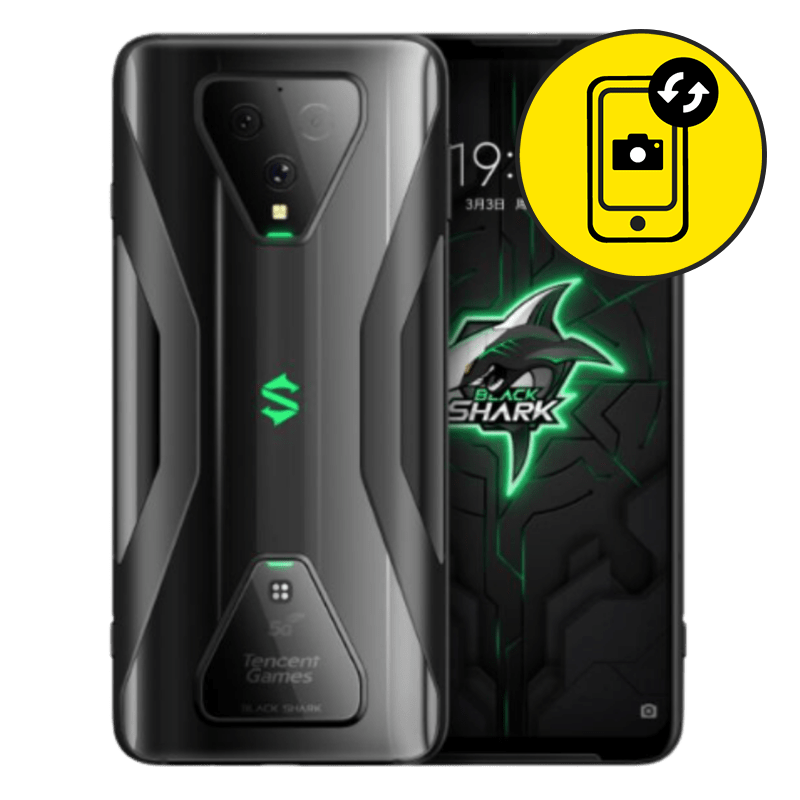
Xiaomi Black Shark 3 Rear Camera Replacement Singapore by Mister Mobile.
Choose Mister Mobile for Xiaomi Black Shark 3 Rear Camera Replacement. Because I do it better, because I do it safer, because I do it with a smile!
My listed prices are nett and inclusive of repair fee.
Upon handing over your phone, my technician will run a few tests and inform you of the misbehaving parts. Once confirmed, my technician will then proceed with the repair.
Xiaomi Black Shark 3 Repair Singapore. Samsung Battery Replacement, Screen Replacement, Motherboard Repair, Rear Camera Replacement, Samsung repair Singapore, charging port replacement, Xiaomi Black Shark 3 Charging Port Replacement.
Order this if:
• There are black spots appearing on the images taken.
• Xiaomi Black Shark 3 camera shows a blurry image even though the lens is clean.
• Xiaomi Black Shark 3 camera displays unusual images even when the Samsung is held with a stabilizer.
• The Xiaomi Black Shark 3 camera app freezes and shuts down by itself after you snap a photo.
• Xiaomi Black Shark 3 camera unable to focus.
• The camera apps display a black screen only on the back camera. When switched to the front camera a display still shows.
Enquire further if:
• There are signs of water damage on your Xiaomi Black Shark 3.
• Your Samsung is still under warranty. You can check your warranty coverage here.
• Your Xiaomi Black Shark 3 front camera is faulty. Try using apps which support video calling such as Skype, facetime etc. If the video doesn’t show but the back camera can be used, most likely you will need a front camera replacement. You can check out my products for Samsung front camera here.
• Both the front and the rear camera show a black screen on camera apps.
• The exterior camera lens shows drop damage.
• The interior of the lens shows signs of water vapor.
• Wrong Samsung repair? Read up and find all of my Samsung prices and descriptions here


 Address : 810 Geylang Road City Plaza #01-67A Singapore 409286
 Direction : Find me on
 Operating Hours : 11:00am – 9:00pm
 Email :
 WhatsApp :
 Service Area : Trusted phone shop near Geylang, Paya Lebar, Eunos, Kembangan, Bedok, Aljunied, Kallang, Lavender, Bugis, MacPherson, Tai Seng, Mattar, Geylang Bahru, Ubi, Kaki Bukit, Dakota, Mountbatten and more.
 Bus : Services 2, 7, 13, 21, 24, 26, 28, 30, 40, 43, 51, 67, 67A, 134, 135, 135A, 154, 155, 197, 853C
 MRT : Alight at Paya Lebar MRT Station and walk towards my phone shop in the Geylang direction.
 Car : Parking available at City Plaza carpark


