The Trade-In Value quoted on the Device Trade-In Calculator is preliminary. There may be adjustments to the final quotation if there are any discrepancies found from the options you have selected.

Sell Your Used Xiaomi 14 Now

What is your device storage?

Select color

Is your device a local Singapore set or an export set?

Please WhatsApp for trade-in quote

You’re Just One-Step Away from Selling Your Used Xiaomi Xiaomi 14

Selling off your Used Xiaomi 14 has never been easier. Simply bring your device, whether it’s new or used, to any of my branches or schedule a doorstep pickup in the next step. My expert team will inspect your phone and offer you the best trade in price on the spot. Whether you want to sell new Phone, sell used Phone, or sell old Phone, you’re now just one step away from turning your device into instant cash.

Why Choose Mister Mobile To Sell Your Used Xiaomi 14?

Mister Mobile earns the reputation as the best place to sell Used Xiaomi 14 in Singapore due to:

  1. Highest trade in price: Get the highest trade in price for your Used
  2. Xiaomi 14 when you trade in at Mister Mobile, ensuring you receive the top value of your device.
  3. Wide Range of Accepted Brands: Whether you want to sell your Apple, Samsung, OnePlus, Oppo, Huawei, Xiaomi, Google Pixel, LG, Microsoft, Sony, or other brand device, I accept a wide range of brands for trade-in or buyback.
  4. Instant Payment: Experience the convenience of instant payment when you sell your Used Xiaomi 14 with me, ensuring a hassle-free transaction.
  5. Top-Rated Reputation: With over 7,000 5-star Google reviews, my top-rated reputation speaks volumes about my commitment to excellence. You can trust me to deliver the best service, backed by the satisfaction of thousands of happy customers.
  6. Multiple Convenient Locations: With 9 branches across Singapore including Geylang, Hougang, Jurong, Woodlands, Chinatown, Potong Pasir, Yishun, Bukit Panjang, and Tampines, I offer convenient access for all your trade-in or buyback needs.
  7. Pickup Service Available: Prefer to deal in the comfort of your home? You can enjoy the convenience of my Pickup Service for a flat fee of $20. I will come to you, making the trade-in process fast and convenient. Simply contact my Hotline via WhatsApp to schedule an appointment to kickstart the process!

Trade-in and Buybacks Terms and Conditions for Mister Mobile

New Phone Buyback Singapore :

  • I will not deduct the buyback price if you are only selling your device without purchase.
  • The device trade-in price is valid if you have less than 3 units to trade in or sell. Hence, if you wish to sell in bulk, please contact me to confirm the price before visiting.
  • I need all the original accessories. To ensure that you are given the highest trade-in value, please present all the original accessories. For example, when you are opting for my iPhone trade-in, I will require ALL accessories in the box including the box itself, cable, earpiece, original packaging, etc.
  • You must provide your Identity Card at the point of transaction. To explain further, I need your NRIC for the trade-in process as part of the requirements of the Singapore Police Force, Additionally, I am required to adhere to the rules and regulations of our Secondhand Dealers’ License.
  • My definition of a brand new set is a mobile device that is unused, in its original packaging, and less than 3 days old. For example, a unit that is new but bought 6 months ago is considered as a used set. As such, you should carry out your due diligence to inquire if you feel there are discrepancies to my definition of “Brand New Phone”.
  • Prices are valid for same-day transactions or until the next day before 1pm only. If you wish to trade in your device another day, it is important to check the prices again. Conversely, I update my trade-in prices daily for every model at 1pm.

Used Phone Buyback Singapore :

  • My advertised prices quoted above includes ALL the original accessories such as the box, charger, earpieces, and adaptors. Hence, the price will be lower if there are any missing accessories. Faulty, torn, and non-original accessories are not accepted.
  • My final trade-in price is subjected to visual and functional checks by my sales team at my stores.
  • Mister Mobile reserves the right to reject your buyback offer after assessment.
  • The device you are trading in must not have been repaired before. For example, if you are visiting for “iPhone trade-in Singapore” and your iPhone screen has been replaced before, it will affect the final trade-in value.
  • For higher trade-in value, ensure that the mobile device is in good condition with no inherent defects.
  • You must provide your Identity Card at the point of transaction.  To explain, I need your NRIC for when trading-in as part of the requirements of the Singapore Police Force. Additionally, I am required to adhere to the rules and regulations of our Secondhand Dealers’ License.
  • Prices are valid for same-day transactions or until the next day before 1pm only. If you wish to trade in your device another day, it is important to check the prices again. Conversely, I update my trade-in prices daily for every model at 1pm.

Find the Nearest "Mobile Phone Shop Near Me" for Used Google Pixel 9 Pro Buyback

Loading...
WhatsApp
Official Receipt
Is the official receipt available?

Keeping the official receipt ensures a smooth and more transparent trade-in process, as it shows proof that you are the rightful owner of the device. Furthermore, the official receipt is also the key to accessing warranty benefits. This will hence affect your trade-in value.

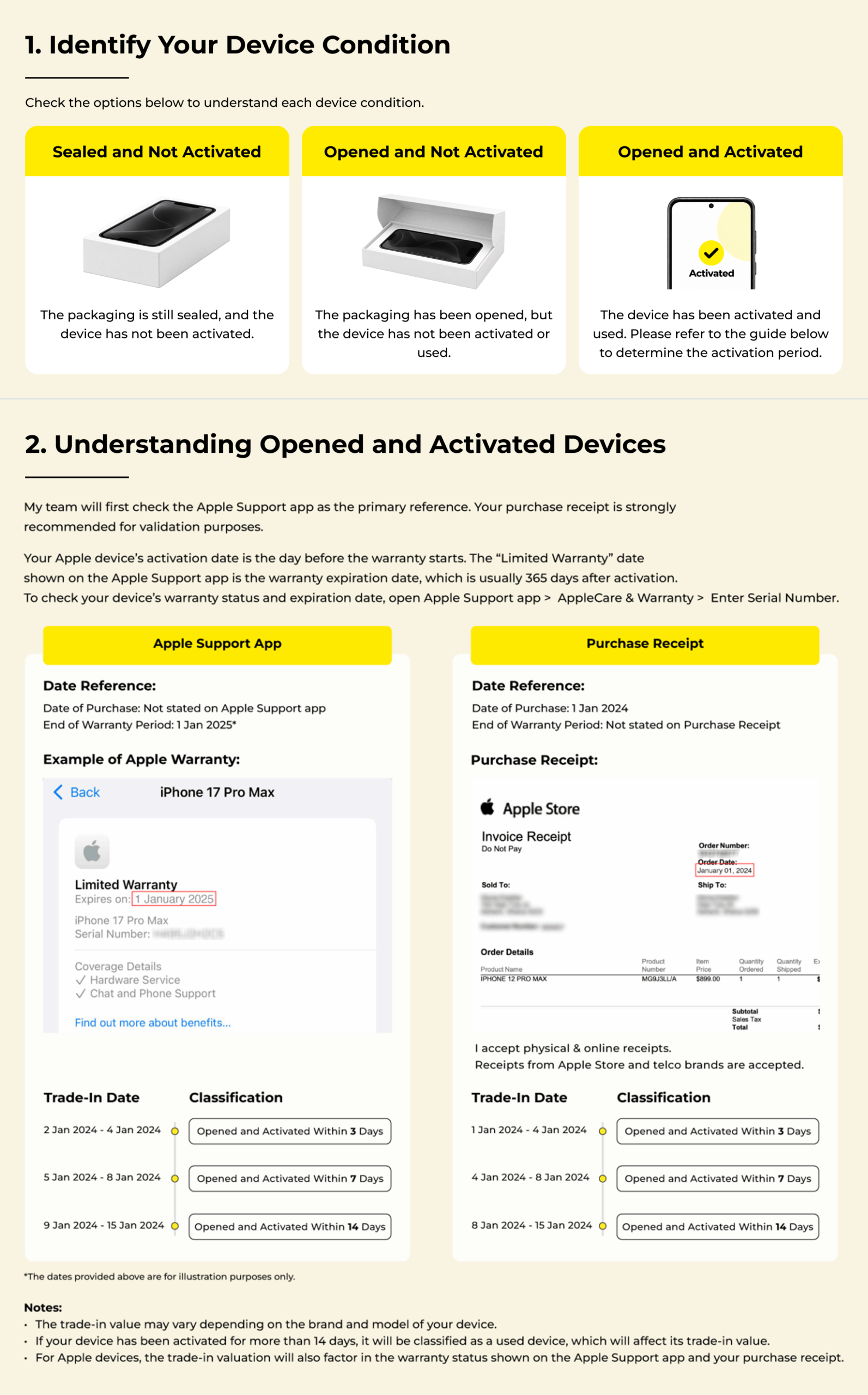
Sealed or Activated
Is your device sealed or has it been activated?

To determine the activation period, kindly visit https://checkcoverage.apple.com/coverage to check your warranty. For instance, if your device’s warranty expires on 28 May 2025, and you proceed to trade-in anyday before 30 May 2024, and I will consider it has “Opened and Activated Within 3 Days”.

However, if you bring the device for trade-in on 31 May 2024, I will consider it as “Opened and Activated Within 7 Days”. Any devices that have been activated for more than 7 days will be considered used.

Other Issues
Are there any issues?

How do you determine the issues of your device? Follow my guide here!

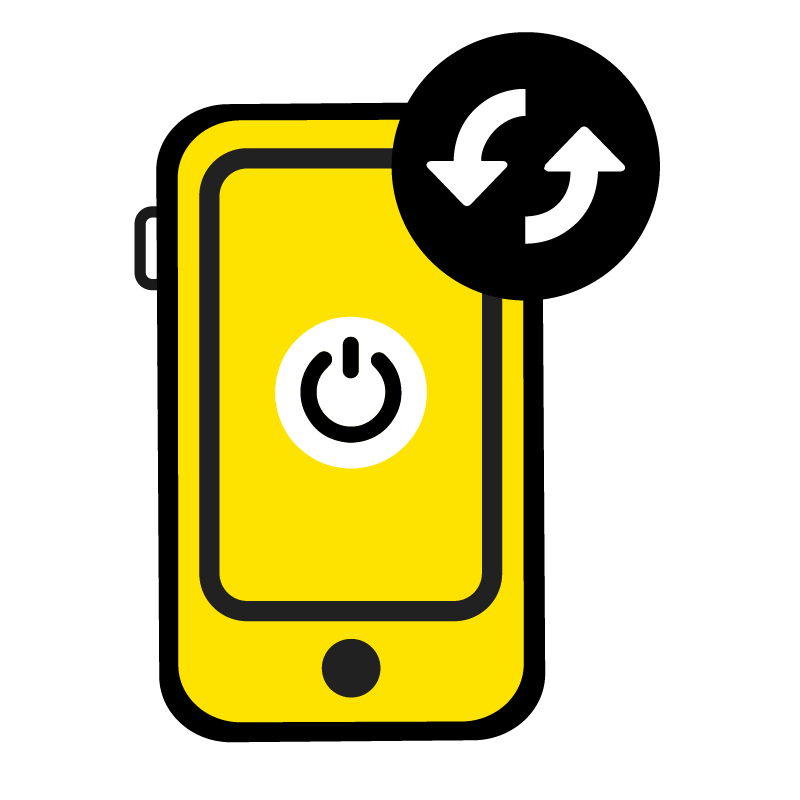
Mister Mobile Power Button Replacement
Unable to power on

When your device is unresponsive and does not initiate a usual start-up process even after a force restart.

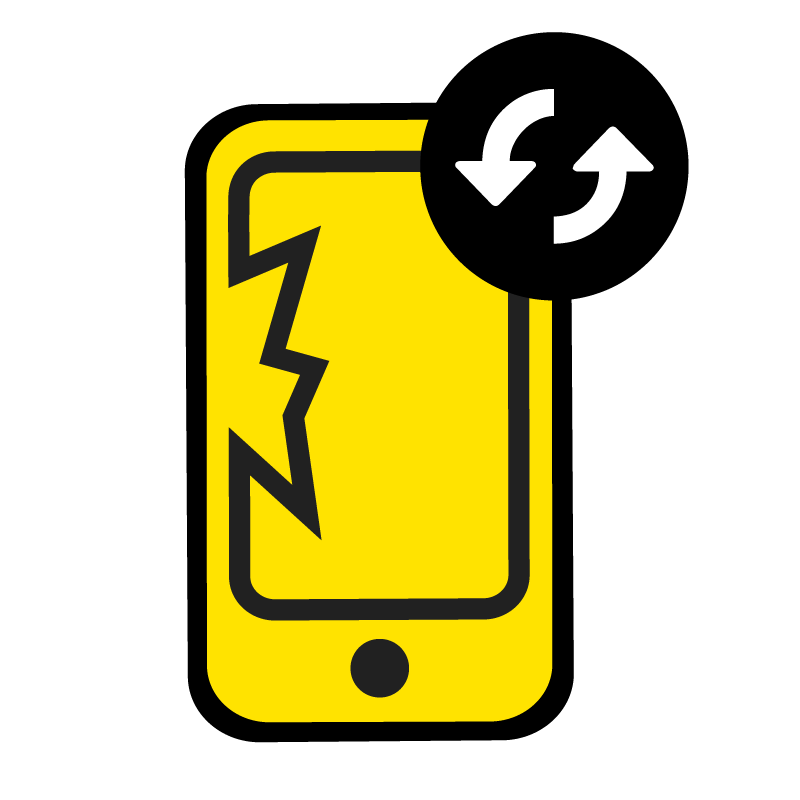
Mister Mobile Screen Replacement
Display Blemish / Defect

When your device reflects abnormal visual imperfections on the screen, such as dead pixels, discolouration, lines or blotches- to the extent where these issues have impacted the clarity and overall quality of your device.

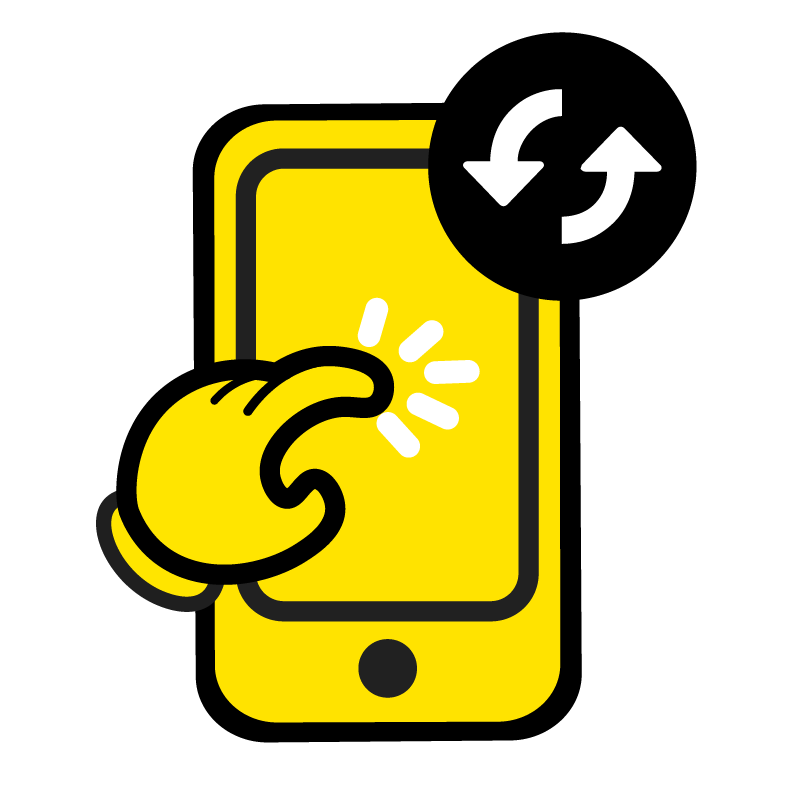
Mister Mobile LCD Replacement
Touchscreen is faulty

When your device exhibits unresponsive or erratic behaviour, leading to frustration and hindrance in using the device effectively.

Mister Mobile Face ID And Front Camera Repair
Fingerprint/Face ID is faulty

When your device does not reliably recognise or authenticate your fingerprint or facial features as intended.

Original Accessories
Are the original accessories available?

To maximize your Trade-In Value, ensure you include all the original accessories that came with the device, such as the charger, cables, earphone.

Local or Export Set
Is your device a local Singapore set or an export set?
You may also check the Model Number via Settings > General > About.
Apple

To determine if your device is a local set, check the back of the original box of your Apple device. Look for the Model Nummber (e.g. MRY92ZP/A). All local sets have a Model Number ending with "ZP/A." If your Model Number does not end with "ZP/A," it is an export set.

Device Exterior
How is your device’s exterior?

How do you determine the condition of the device’s exterior? Follow my guide here!

Flawless

No scratches, in pristine condition.

Device Screen
How is your device’s screen?

How is you determine the condition of your device's screen? Follow my guide here!

Flawless

No scratches, in pristine condition.

Device Battery Health
How is your device’s battery health?

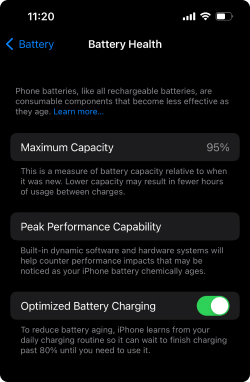
How do you check the device’s battery health? Follow my guide here!

iPhone Users:

1. Go to Settings, and look for Battery.
2. Tap into Battery Health.

The Battery Health feature on an iPhone indicates the remaining battery life and alerts if a replacement is necessary. It is important to review this feature periodically to maintain optimal battery health.

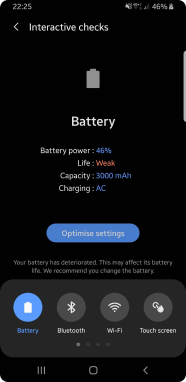
Android Users:

There is no feature to check your battery health. However, you can still watch for indicators such as needing to recharge your battery often, your device shutting down despite having more than 10% battery remaining, or when your device only functions when connected to power.

Understanding How the Price Table Works

Trade-in New Phone

1. Price
  • The displayed price is the highest offer for your device. Payment will be made via PayNow.
  • The price is the same whether you are selling or trading for another device.
  • My prices are updated daily, refresh the page to check the latest rates.
  • Trade-in price applies to up to 3 devices. For bulk trade-ins, contact me to confirm prices before visiting.
  • If your device has been opened or activated for less than 3 days, a deduction will apply.
  • Additional deductions will be made if it has been opened or activated for more than 3 days.

Is your device a local Singapore set or an export set?

You may also check the Model Number via Settings > General > About.
Apple

To determine if your device is a local set, check the back of the original box of your Apple device. Look for the Model Nummber (e.g. MRY92ZP/A). All local sets have a Model Number ending with "ZP/A." If your Model Number does not end with "ZP/A," it is an export set.