Best MacBook Screen Replacement
In need of a MacBook Screen replacement? Mister Mobile is here to help! We are now officially an Independent Repair Provider in Singapore! We are able to repair a wide range of issues ranging from a MacBook with a broken screen, damaged, LCD, water damage, to another with faulty batteries.
All MacBook Screen replacement costs are nett and include labor repair fee.
We repair most MacBook problems – 90% of all MacBook repairs can be done on the spot.
How to find the model number of your MacBook?
There is a wide range of MacBooks in the market and each has its own “Model Numbers”. Follow the steps below to find the correct Model number of your Mac to get the correct repair for it.
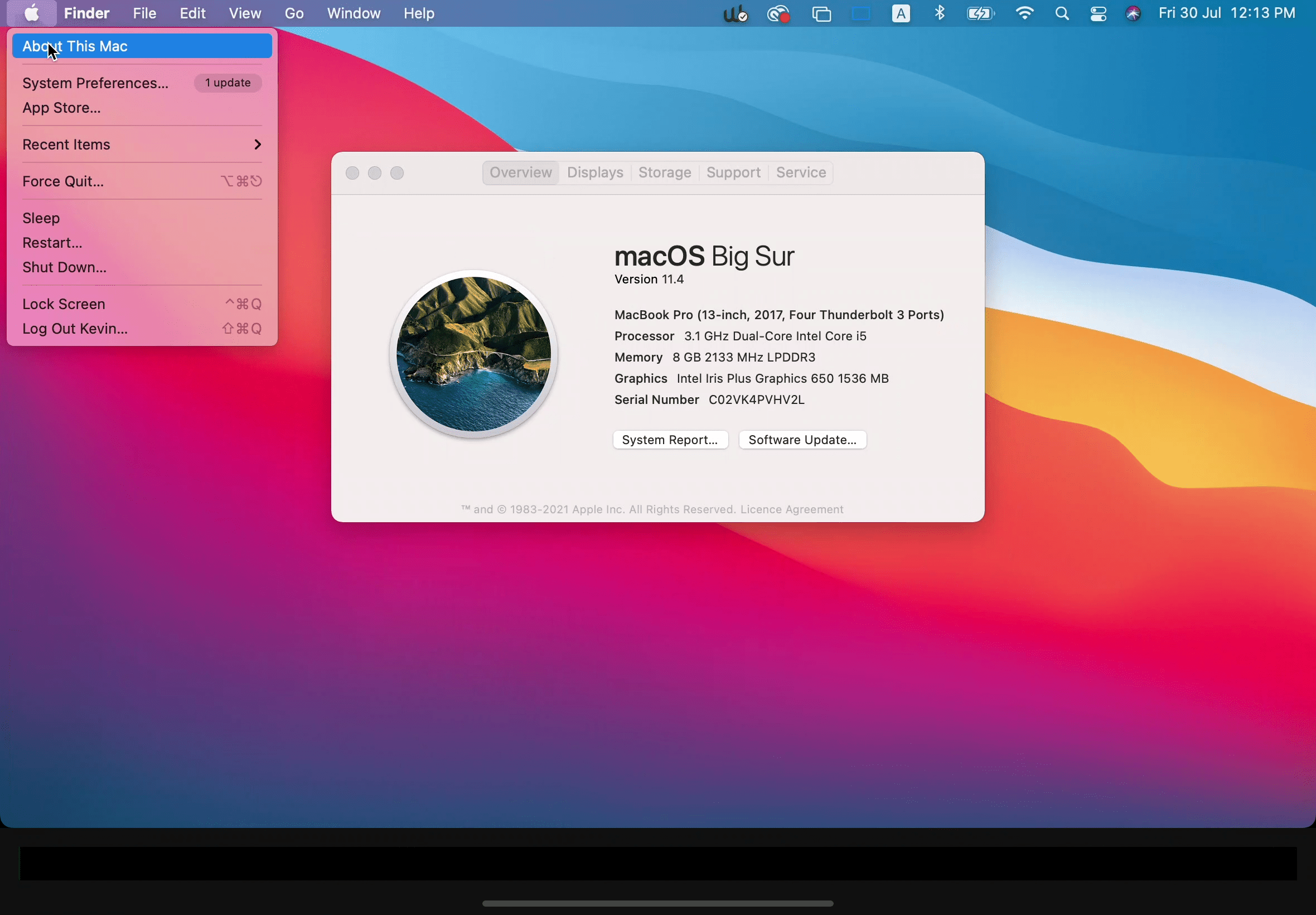
Turn on your MacBook and click on the Apple menu (Apple Logo) > About this Mac. A window will pop up, displaying your model and built year.
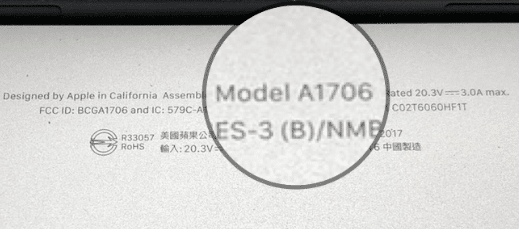
Another way is to flip over the Mac and locate the MacBook’s model identifier. There is a line of text behind it ( see image ), where you will find the Model Identifier.
Read also:
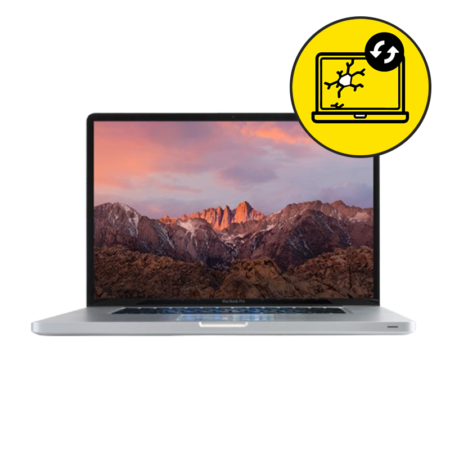
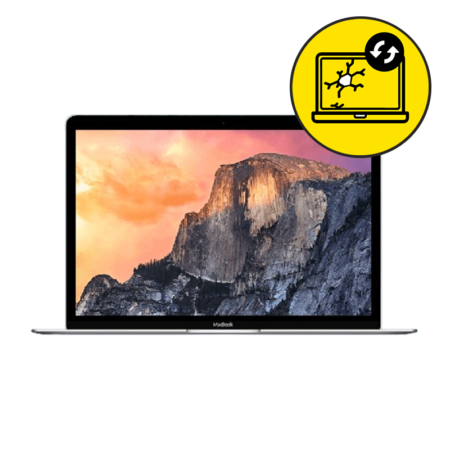
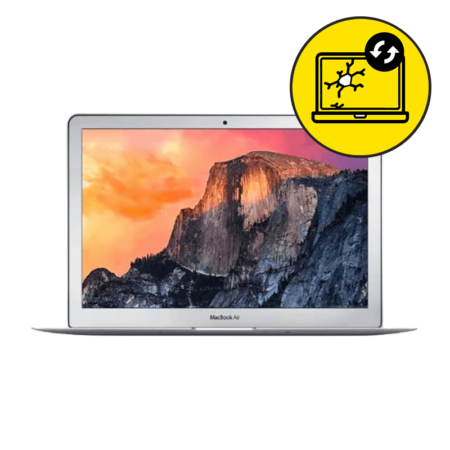
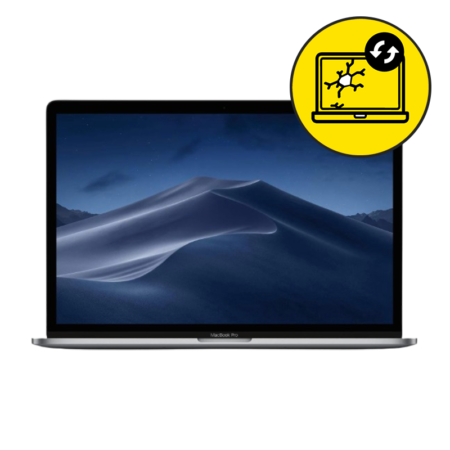
It would help a lot if you know which MacBook you have, MacBook Pro MacBook Air, or just MacBook, as different MacBooks need different screen repair parts to work.
Wrong page for MacBook Repair Singapore?
Need to repair for another MacBook model? Visit our Product Pages for MacBook repair instead. We repair all common MacBook issues such as screen replacement, battery replacement, and charging port replacement. Also MacBook motherboard repair Singapore, camera replacement, and water damage repair.
MacBook Screen Replacement Singapore
- Macbook Screen Replacement is common and frustrating. Many of us end up with a Macbook cracked Screen after dropping it, causing a faulty display. It is essential and affects your usage.
- The screen replacement is done on the spot.
- The waiting time for the Screen replacement is about 5 hours
- Additionally, there is a 30-day warranty for all MacBook repairs.
- Our MacBook Screen is A grade, as good as the original. Repairing your MacBook Screen is cheaper than at Apple Service Centres.
To buy or enquire further?
- Choose this if the Macbook Screen has a noticeable crack. We can carry out a free check-up for you if you are unsure.
- Your Macbook display is not functional.
- MacBook screen display has marks or lines.
What parts do you replace for MacBook Screen replacement?
- As far as possible, we replace only the Internal LCD of your MacBook, ensuring all other parts are retained in their original condition.
- This is the reason we can offer cheaper prices compared to Apple Service Centre.
- At Apple Service Centre, your MacBook aluminum cover as well as the backlight is replaced together with the Internal LCD. This is called the LCD Display Assembly
- In situations where parts are unavailable, or when the aluminum cover or the backlight requires replacement, we will replace the LCD Display Assembly instead of just the Internal LCD.
Common symptoms of a faulty MacBook Screen
Common issues for MacBook Screen in Singapore include:
- Your MacBook display does not light up
- Your MacBook Screen has black spots
- The MacBook display is cracked
- The images showing on the MacBook screen are blurred or distorted
How to keep my MacBook battery in the best condition?
- Try not to overcharge your battery. Remove the charger when your battery percentage is 100%.
- Do not use your MacBook while charging it, because your MacBook battery will be charging and discharging continuously, which will harm battery health.
- Do not expose your MacBook to constant hot weather. Keep it at room temperature as much as possible.
- Use original charging cables as some cheap-cost chargers may harm your MacBook battery health.
Case Trust Accreditation
- With CaseTrust Accreditation, you can be sure of fair business practices for MacBook repair.
- Ever bought a defective Screen replacement from shops in Singapore? Were there lots of inconveniences by dishonest providers?
- Good news! Now you don’t have to spend so much time checking your product for flaws. No need to pour over the fine print of contracts. You can proceed with your MacBook repair confidently.
How to make a booking
- Find the MacBook repair you need.
- Add to Cart and proceed to Check-out. No payment is required during check-out.
- Enjoy $3 off when you enter the promo code found on the check-out page. Applicable for all online orders only.
- Wait for our confirmation SMS. (We strive to respond within 1 hour.)
- Drop by to get your laptop fixed. Pay for your laptop repair cost in our shop after we have fixed your laptop.
It’s that simple!
Inquire now at 92230410 or hit the WhatsApp button!
- We can solve all your MacBook’s issues in Singapore, such as battery problems, charging, camera, including the LCD screen. Also for software, water damage, and power problems.
- Do not worry. There are 30 days of warranty under Mister Mobile’s repair and exchange policy.
- MacBook Repair Singapore. MacBook Screen Replacement, Replace Battery, Motherboard, and MacBook Repair Singapore.













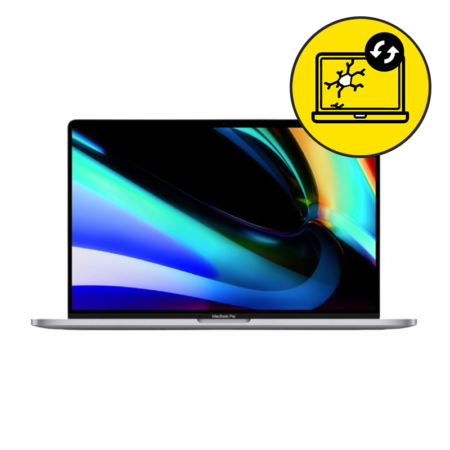





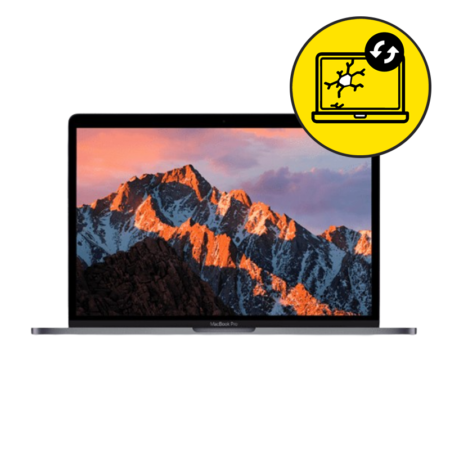






 The device is brand new, unused, and comes in its original packaging with all original accessories included.
 The screen is flawless with no scratches, in pristine condition. The exterior looks like new, with minimal signs of wear that are hardly noticeable even up close. The battery health is at 90% or above, ensuring strong performance.
 The screen has minimal scratches that are only noticeable when the display is switched off. The exterior shows minimal signs of wear, such as paint peel, light scratches, or small case marks, but these are only visible from a distance and do not affect the overall appearance. Overall, the device is in excellent shape with very slight signs of use. The battery capacity is at least 85%.
 The screen may have some visible scratches, but they don’t affect how the device works. The body shows signs of use like scratches, dents, or small chips, but these are purely cosmetic. Overall, the device is in good working order, with a battery capacity of at least 85%.
