

Essential Tips for Phone Water Damage
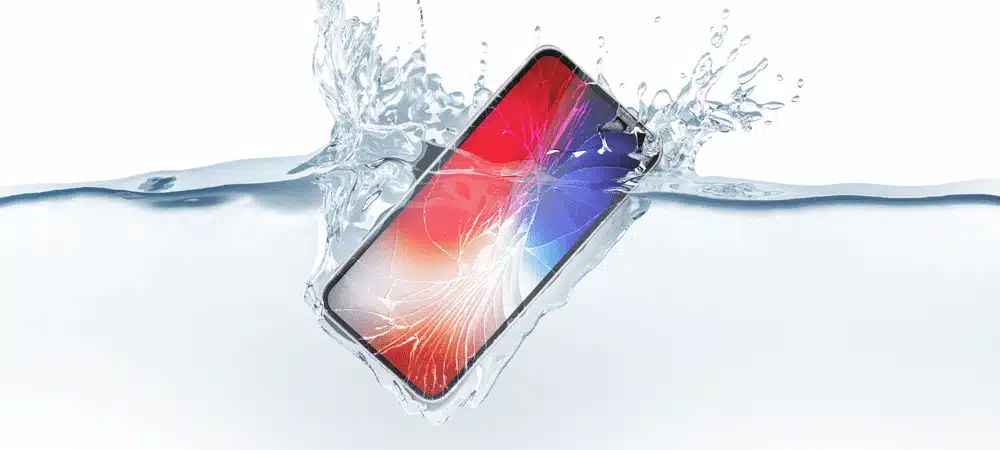
Water Damage is one of the most common and detrimental issues that smartphones can face. Whether it’s a spilled drink, an accidental drop in the pool or exposure to rain – Water can quickly wreck havoc on your device. In this blog post, I will guide you through the necessary steps to take when your phone encounters water damage and provide valuable tips on preventing such incidents from happening in the first place.
Part 1: What to Do When Your Phone is Water Damaged
1. Power Off Your Phone:
If your phone comes into contact with water, the first and most crucial step is to power it off immediately. This helps prevent short circuits and potential damage to the internal components. Do NOT attempt to turn it on or test functionality as it may cause further harm.
2. Remove External Accessories and SIM Card:
Take off any cases, covers, or other external accessories from your phone. Additionally, open the SIM card tray and remove the SIM card promptly. This step allows better airflow and helps prevent any trapped moisture from causing additional damage.
3. Dry the Exterior:
Gently wipe the exterior of your phone with a soft, lint-free cloth to remove any visible water or moisture. Be cautious not to push water further into the device’s openings, such as the charging port or headphone jack.
4. Use an Absorbent Material:
Place your phone in a container or bag filled with uncooked rice, silica gel packets, or another absorbent material. These substances help draw out moisture from the phone over time. Seal the container or bag and leave it undisturbed for at least 24 to 48 hours.
5. Seek Professional Assistance:
If your phone does not turn on or shows signs of malfunctioning after following the above steps, it’s advisable to seek professional help. Visit a reputable phone repair service like Mister Mobile, where trained technicians can assess the extent of the water damage and provide appropriate solutions.
Part 2: Steps to Prevent
1. Use a Waterproof Phone Case:
Invest in a high-quality waterproof phone case that provides reliable protection against water damage. Look for cases specifically designed for your phone model, with proper seals and ratings for water resistance.
2. Be Mindful of Water-Prone Environments:
Avoid using your phone near water bodies, such as pools, beaches, or bathrooms, where accidental spills or submersion can occur. Keep your phone securely stored in a waterproof bag or pocket when visiting such locations.
3. Be Cautious with Liquids:
Keep your phone away from liquids like beverages, toiletries, or cleaning solutions. Even small spills or splashes can lead to water damage, so it’s essential to be cautious and keep your phone at a safe distance. Also, ensure your hands are dry before handling your phone.
4. Backup Your Data Regularly:
Backing up your data regularly ensures that even if your phone suffers irreparable water damage, you won’t lose valuable photos, contacts, or other important files. Use cloud storage or external backup methods to keep your data secure.
In conclusion, water damage is a common and potentially costly issue for smartphones. However, by following the steps mentioned above and taking preventive measures, you can greatly reduce the risk of water damage to your phone. Remember, prevention is always better than cure when it comes to protecting your valuable device. By being cautious around water, using protective cases, and acting quickly in the event of an accident, you can keep your phone safe and ensure its longevity. Don’t let water damage ruin your phone experience – take the necessary precautions and enjoy your device worry-free!
Your trusted one-stop mobile service provider. Here to exceed your expectations with quality services and products at competitive prices!
Need my service? Book an appointment with me on my Website or connect with me via WhatsApp.


